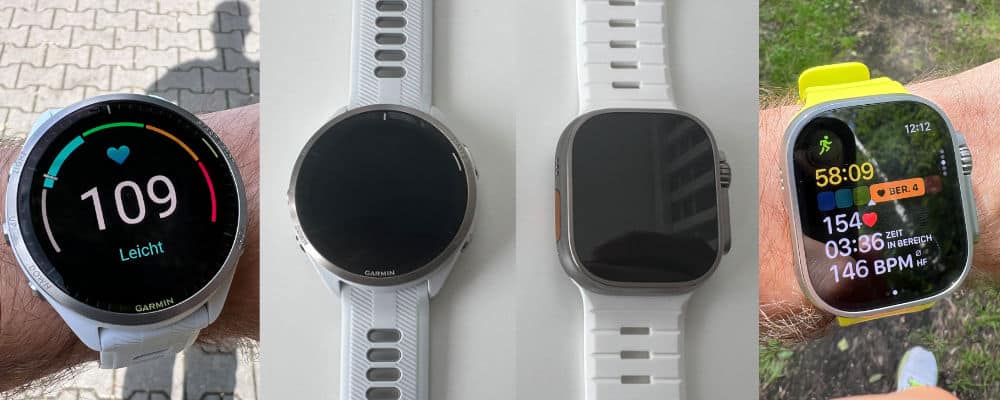
Why, in my experience, the Garmin 965 is not superior to the Apple Watch Ultra 2.
I’ve had an Apple Watch for about two years now—and the Ultra 2 for about nine months. The larger display, the longer battery life, and some features exclusive to the Apple Watch convinced me to switch to the Ultra 2.
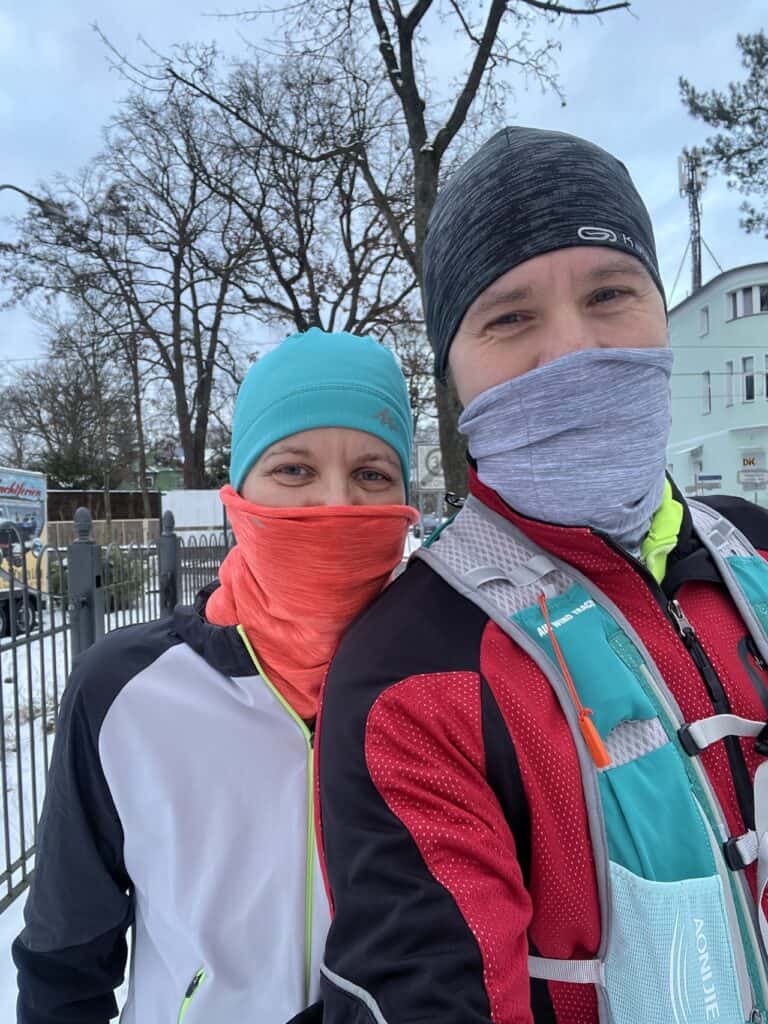
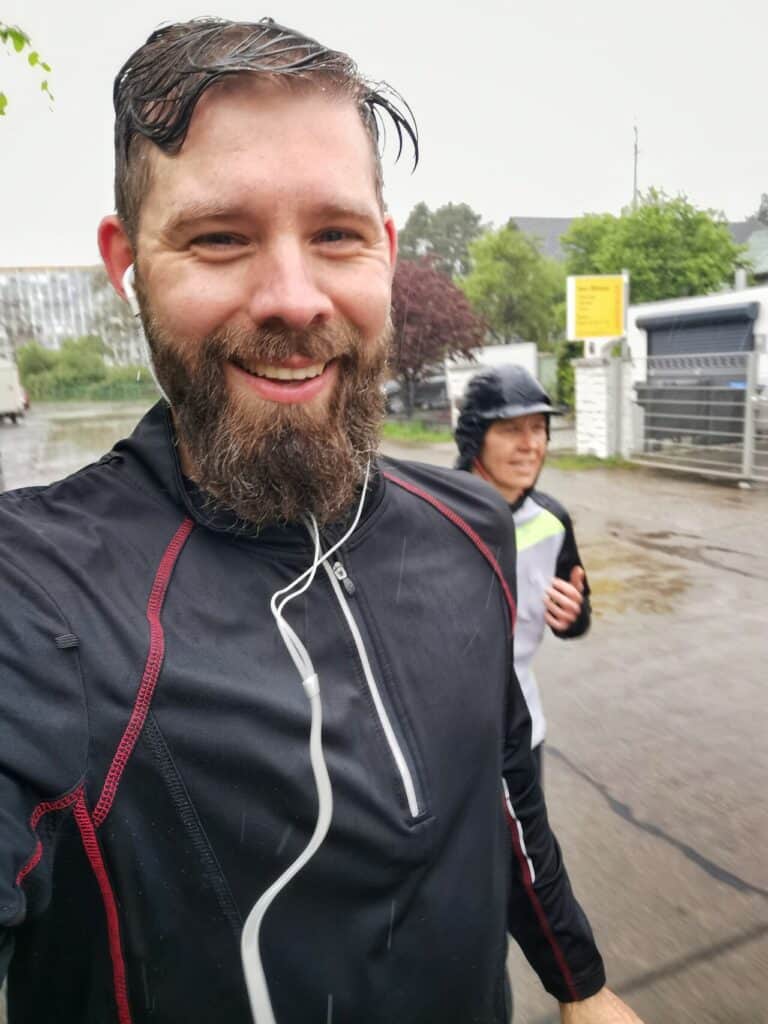
About five years ago, my wife and I started jogging together. Time away from the kids, a shared hobby, and getting fit at the same time. Perfect!
At first, we only used my iPhone for tracking, then later Polar, Huawei Watch, and now the Ultra 2.
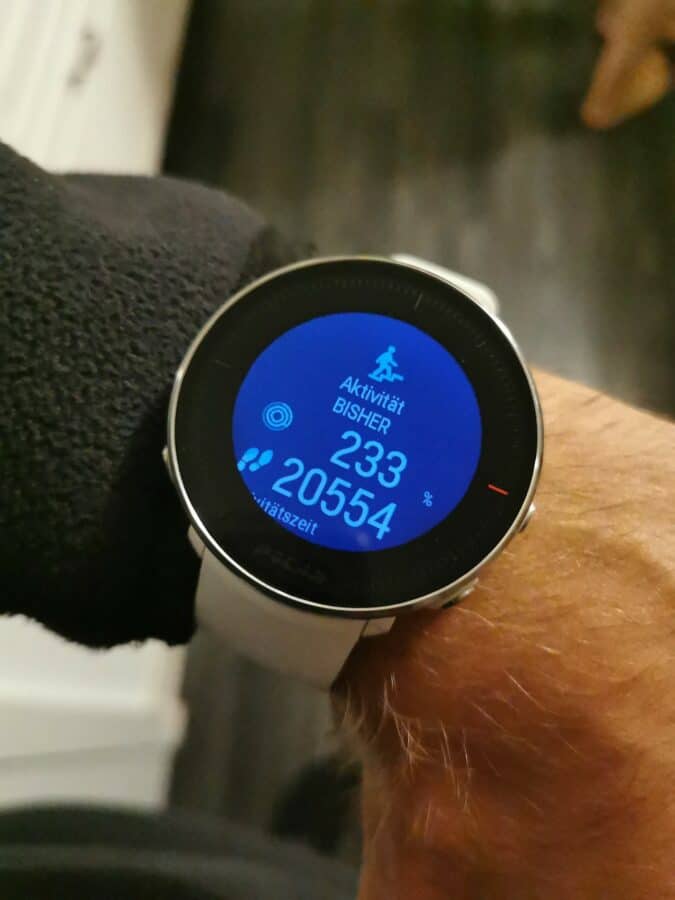
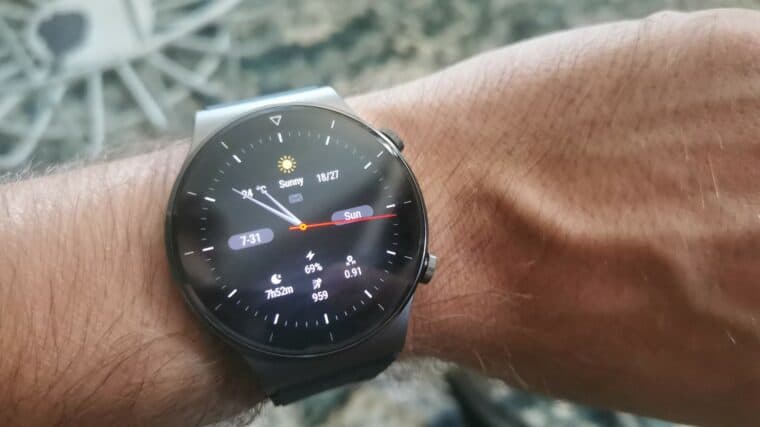
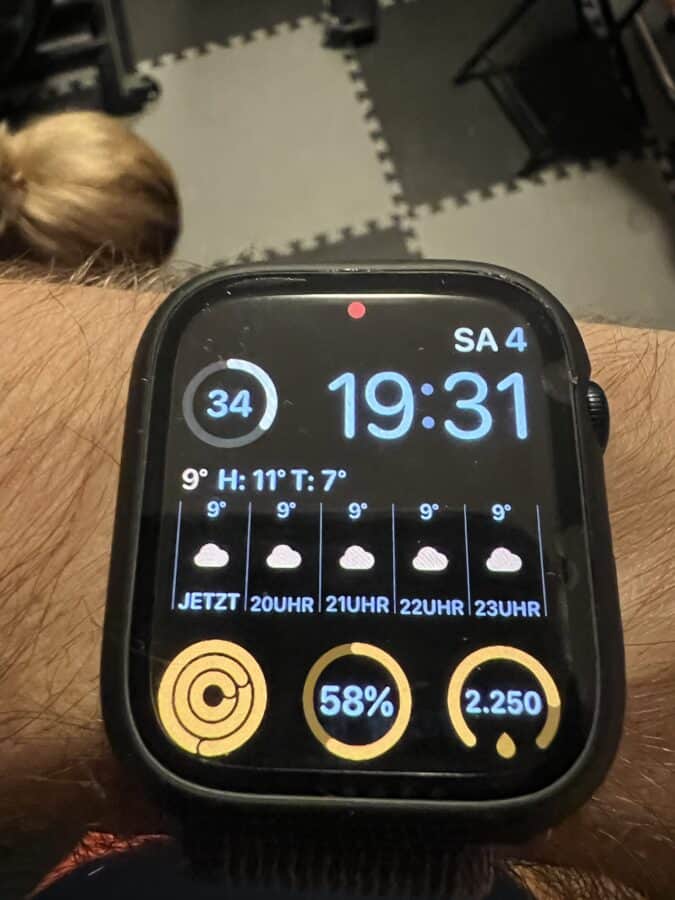
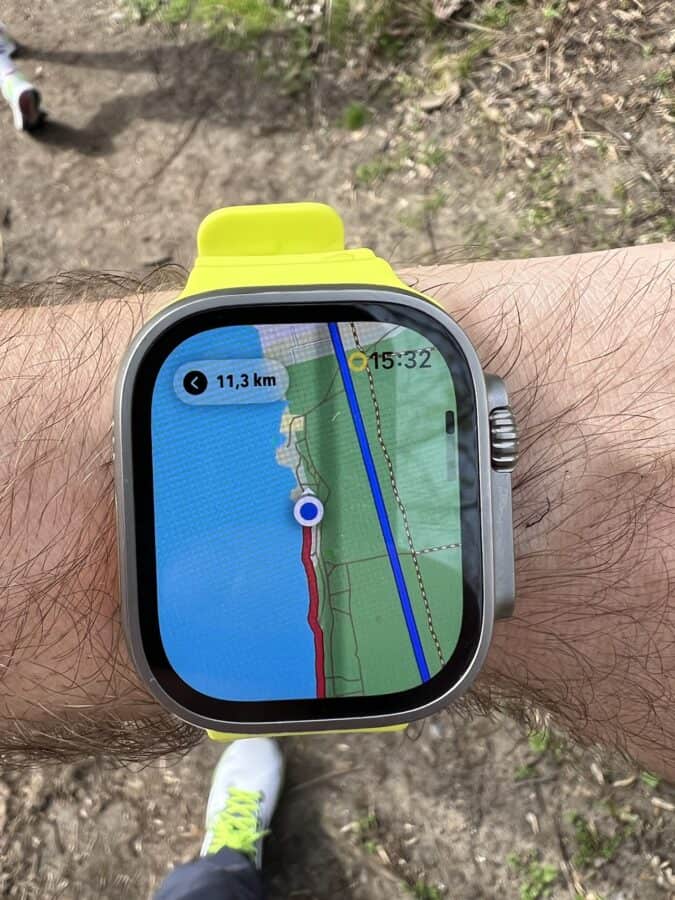
Individually, they’re all good watches. But combined with a smartphone, they’re not ideal for my needs. The syncing between the Huawei and the iPhone was particularly annoying. But that’s not what I want to talk about today.
I’m quite happy with the Ultra 2 – nevertheless, alongside the usual photos and videos, Garmin content also appeared in my timeline. True to the motto: “Athletes wear Garmins. Apple Watch users aren’t athletes.” 😉
This naturally piqued my interest, and I started exploring the Garmin world: a wide range, but it’s not immediately clear which model is right for whom. Still, I wanted to compare it to the Ultra 2, so I opted for the Garmin Forerunner 965. It’s almost €200 cheaper than the Apple Watch Ultra 2, but still not exactly cheap. If it impresses me, I can sell the Ultra – that’s the plan.
My scenario
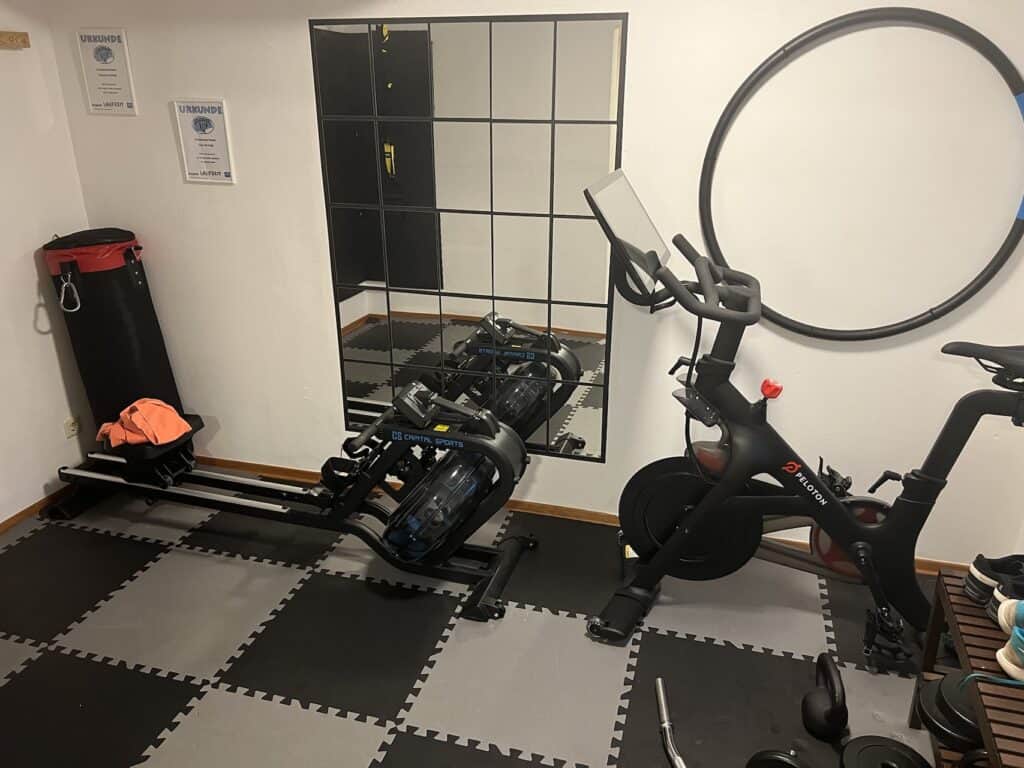
As mentioned before, we regularly go jogging outdoors. Sometimes it’s only once a week, but sometimes twice. Usually 5-7 km – but when it’s time for an event, it’s 10 km or a half marathon. In addition, we do strength training at home once or twice a week, and we also have a rowing machine/Peloton bike. So, we have a pretty good selection of possible sports.
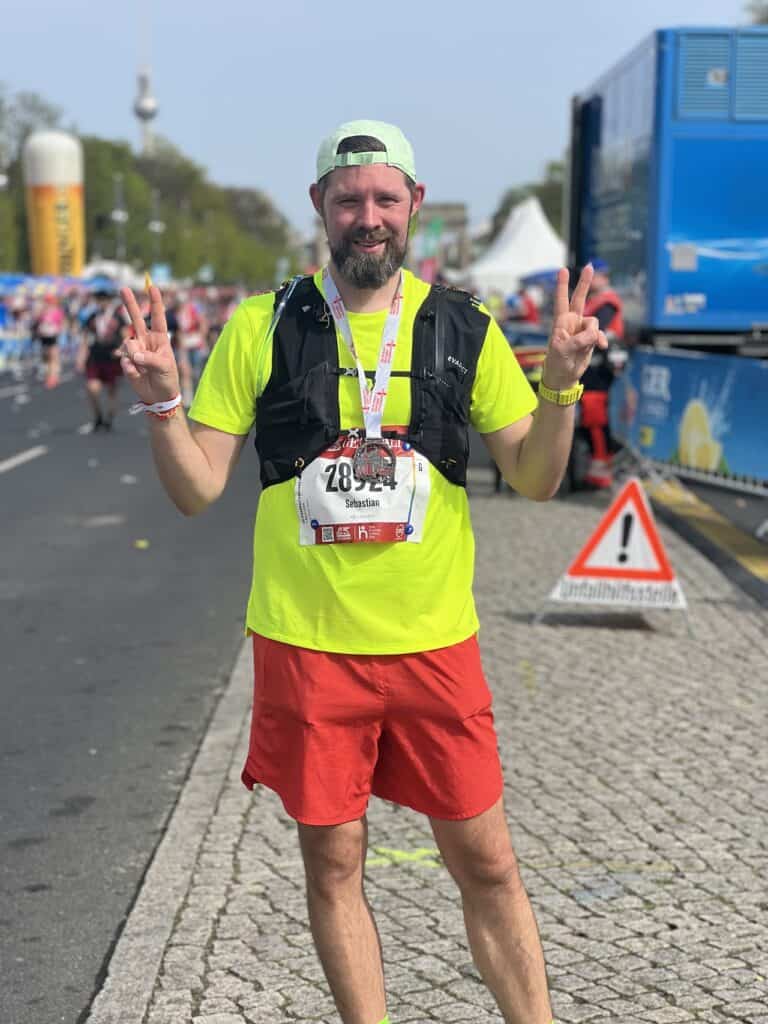
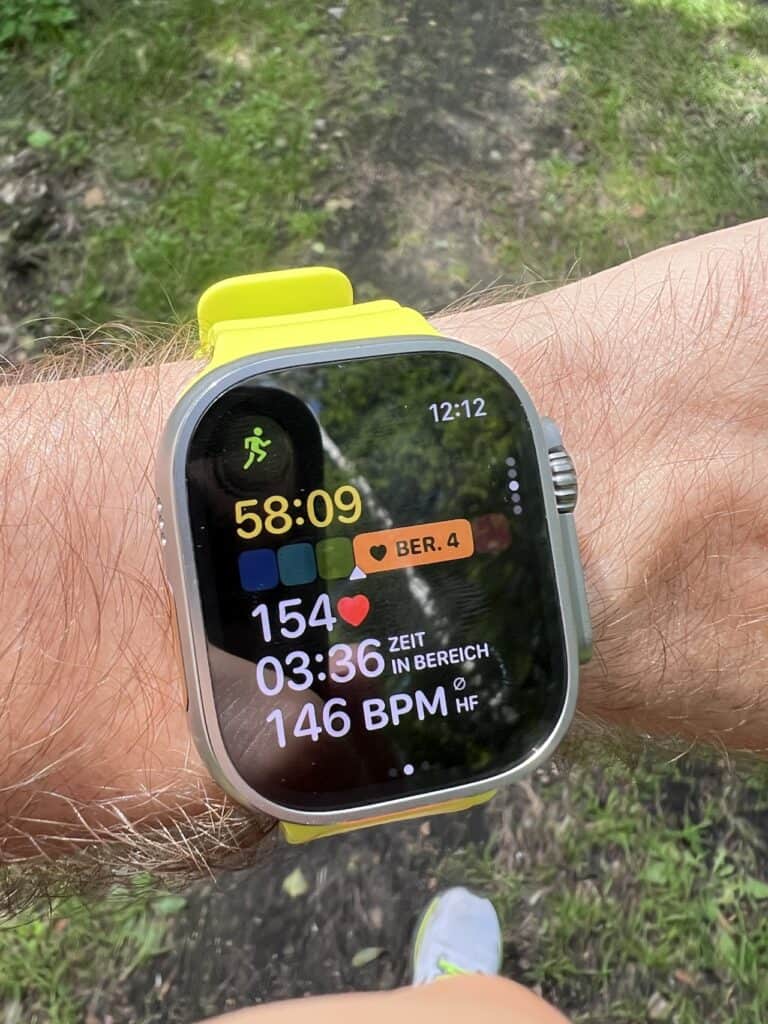
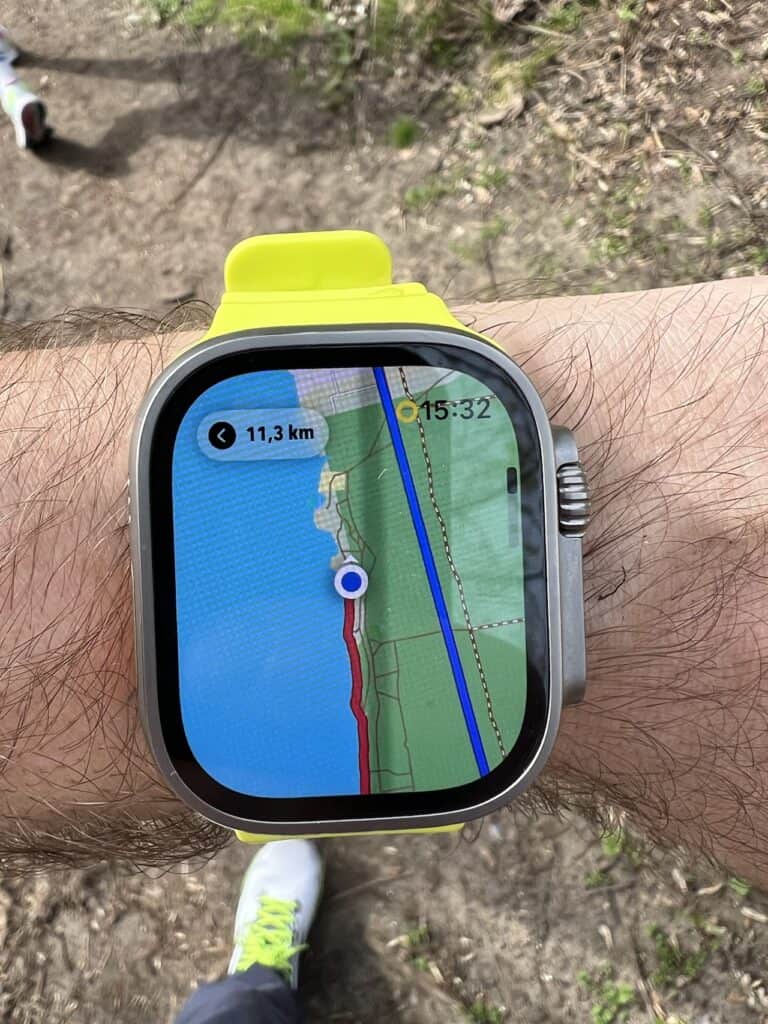
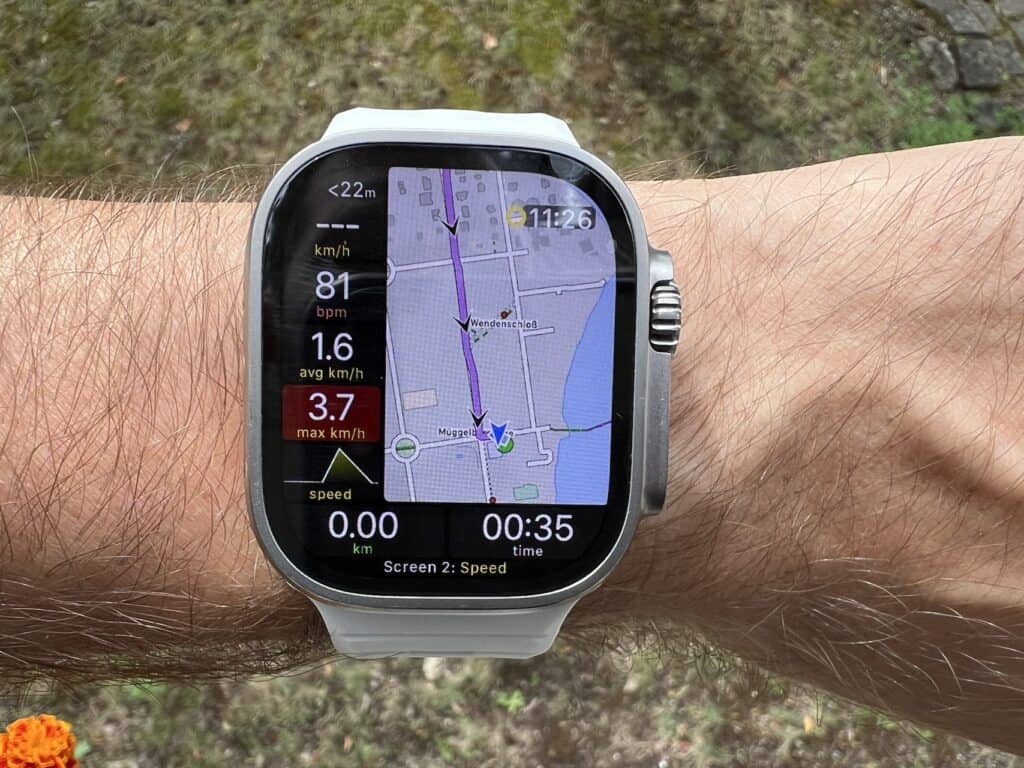
So far, I’ve only used the Apple Watch to track my runs, specifically the Workout app. It displays heart rate zones and, depending on your preference, tells you your lap pace per kilometer in German. If I wanted to create a new route, I’d use the Footpath app or Komoot and then transfer it. Finally, I’d have to launch Footpath and let the Apple Watch handle the actual tracking. While Footpath can display data in addition to navigation, it unfortunately doesn’t show specific sports metrics like heart rate zones. The integration works well, even though you have to launch both apps simultaneously.
I’ve tried quite a few training programs. Adidas Running was unfortunately inflexible. Twai, or rather Trait now, was the best. It’s not just the recommended program and the display on the watch/iPhone, but also the flexible adjustments based on my data and past workouts.
During weight training, I managed everything through my iPhone, and I also received updates via the app on my Ultra. I’ve been using Fitbod for about six months now. Thanks to AI, the training plan is individually adjusted after each workout. It’s only available in English, but most things work fine without it.
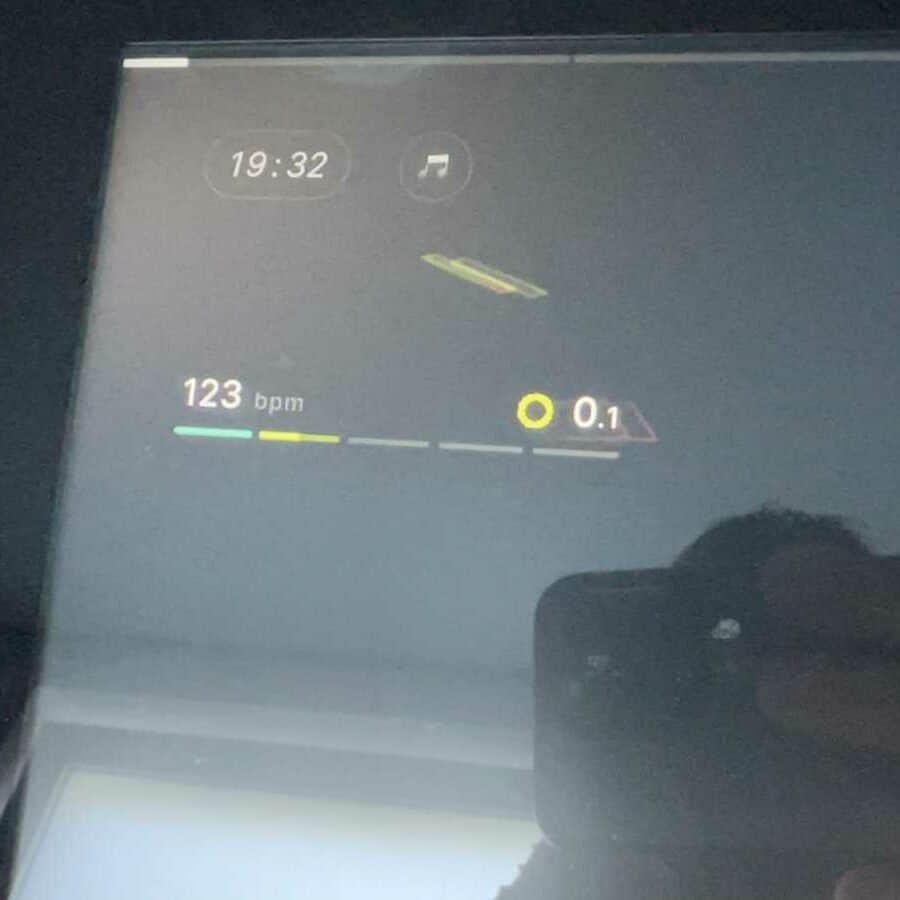
The rowing machine is completely old-school. There’s no connection – just a simple LCD screen without any technical integration. Despite this, the watch still recognizes the rowing motion and strokes. Peloton is different. With Peloton, I can link the heart rate from my watch to the screen, and the values are displayed live.
My expectations of Garmin
So what do I expect from the Garmin?
The long battery life, the integrated training program, automatic route finding (after entering the desired distance), new watch faces 😉 and my body battery at a glance.
The first few days required a significant adjustment. The first thing that stood out was the watch’s weight. Of course, the Apple Watch Ultra 2 isn’t exactly lightweight at 61 grams; that much was clear beforehand. The Garmin 965, while only 53 grams, is noticeably lighter – it felt like half the weight. Unfortunately, the initial enthusiasm quickly faded: the menu navigation!
Menu navigation and other values
The Apple Watch Ultra 2 has two buttons and a crown that can be rotated and clicked.
The Garmin 965 has five buttons, but these have different functions depending on how long you press them.
Both have a touchscreen, of course. However, it was still very unusual and annoying to find the right menu and navigate up/down and back/confirm when not using the touchscreen. After about 10 days, I mostly got the hang of it, and I had completed my first few workouts. What I immediately noticed, though, was that some values weren’t available or only appeared after several days. One example is the heart rate variability (HRV). By default, this is only measured at night. I changed this to continuous measurement, but I still have to wait before the watch can show me a trend. Strange.
Sleep tracking is roughly identical on both watches. The same goes for heart rate measurement. It runs in the background and can be triggered manually. The same applies to blood oxygen measurement – which Garmin calls a pulse oximeter.
The points are new to me.
- Training readiness
- Endurance score
- Body Battery
- Sleep coach
- VO2 max value
- Training/Coaches (more on this later)
Let’s start from the beginning:
The Training Readiness metric takes into account sleep, recovery, HRV, and stress levels to calculate a score that tells you which of five values you fall into. A great solution from Garmin.
The Endurance metric shows you a value based on your VO2 max, HRV, and training load after two weeks.
The Body Battery feature is essentially the core of the device, showing you how well you’ve recovered and where you’ve expended a lot of energy. All of this is presented as a percentage. If you go to bed with 30% battery but only recharge to 40% overnight, you’ll start the next day with only 70% instead of perhaps 90%. A great feature.
The Sleep Coach suggests how much sleep you need for the next evening. Unfortunately, this wasn’t accurate for me, and I also felt it lacked context. If it suggests 7 hours and 50 minutes of sleep, it would be helpful if it suggested a bedtime based on my wake-up time. Because that’s exactly what Apple does, notifying me 30 minutes before bedtime.
Based on recent workouts, the current VO2 max value is displayed. A history of recent workouts is also shown. The watch itself only displays this value. The Garmin Connect app additionally shows your fitness age.
Training/Coaches including routes
Since this point is very complex, I will discuss it in more detail here.
Let’s start with the positives. Round-trip routing is a great feature. First, you start your activity (e.g., running), then you go to Round-trip routing in the menu and select the desired distance in kilometers. Next, you can choose the direction you want to go or leave it open. After about 20-40 seconds, you’ll receive three route suggestions, including a map, which you simply need to confirm. It’s one of the best features when you’re in an unfamiliar place or just want to spontaneously run a fixed distance without planning it yourself!
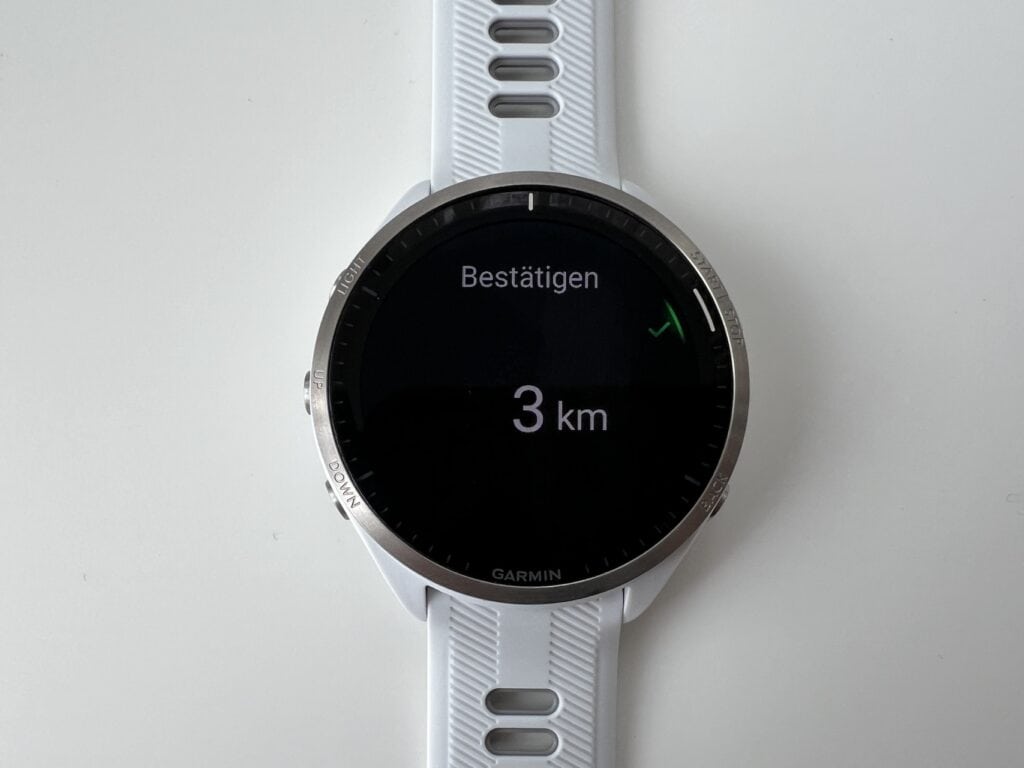
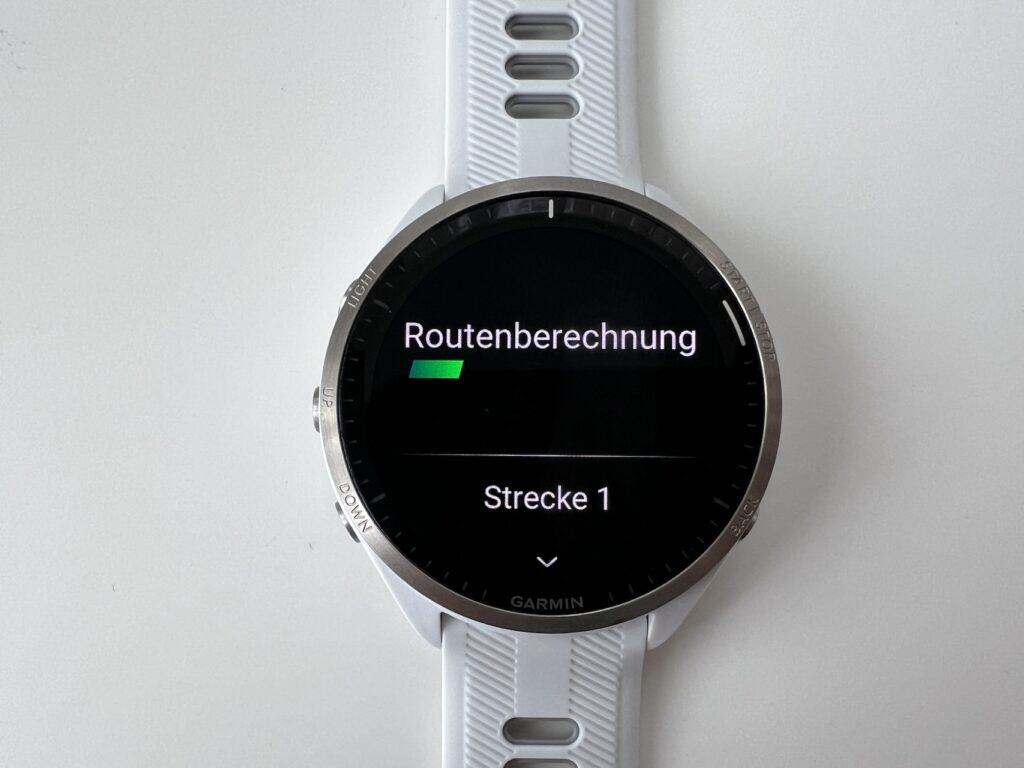
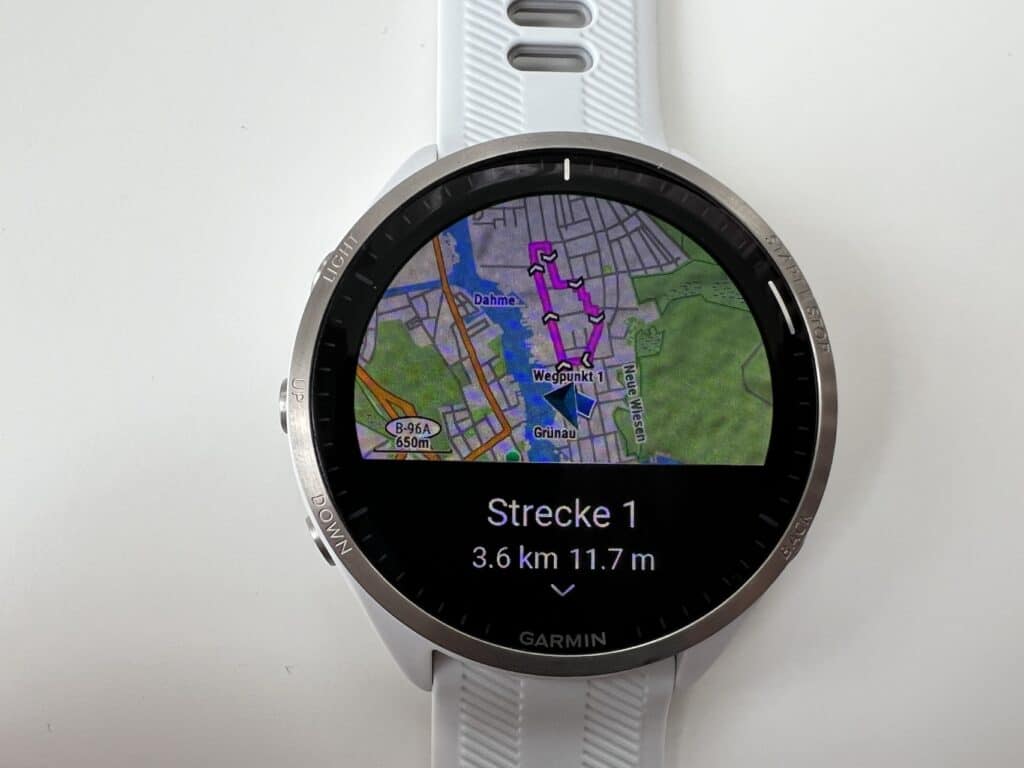
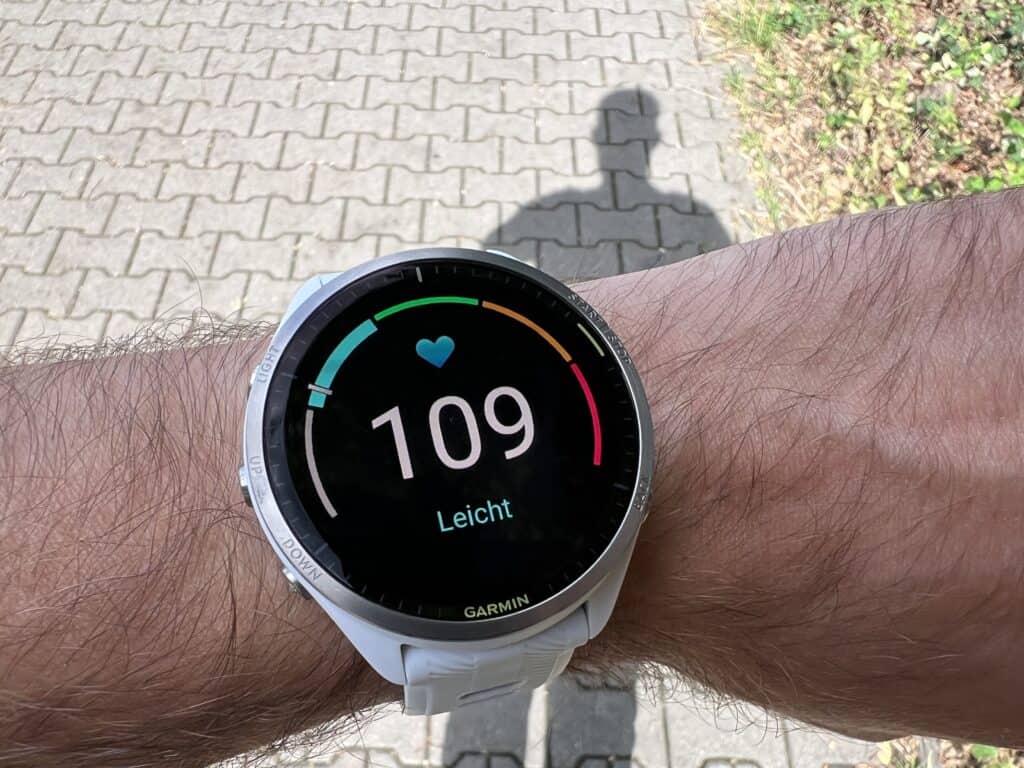
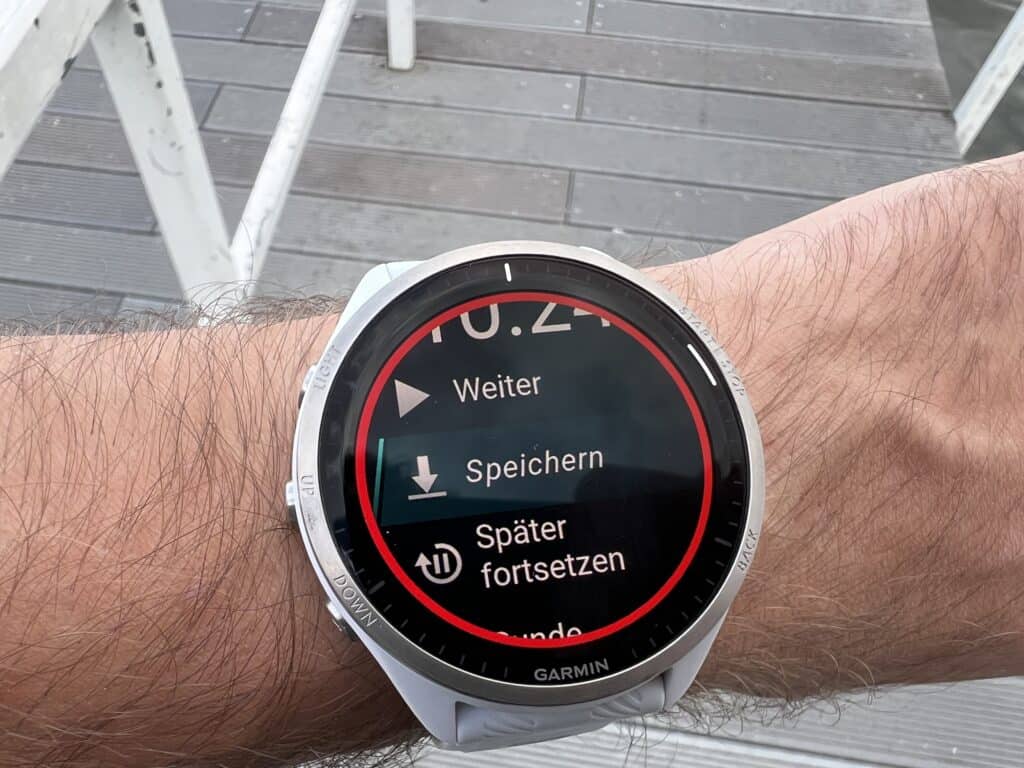
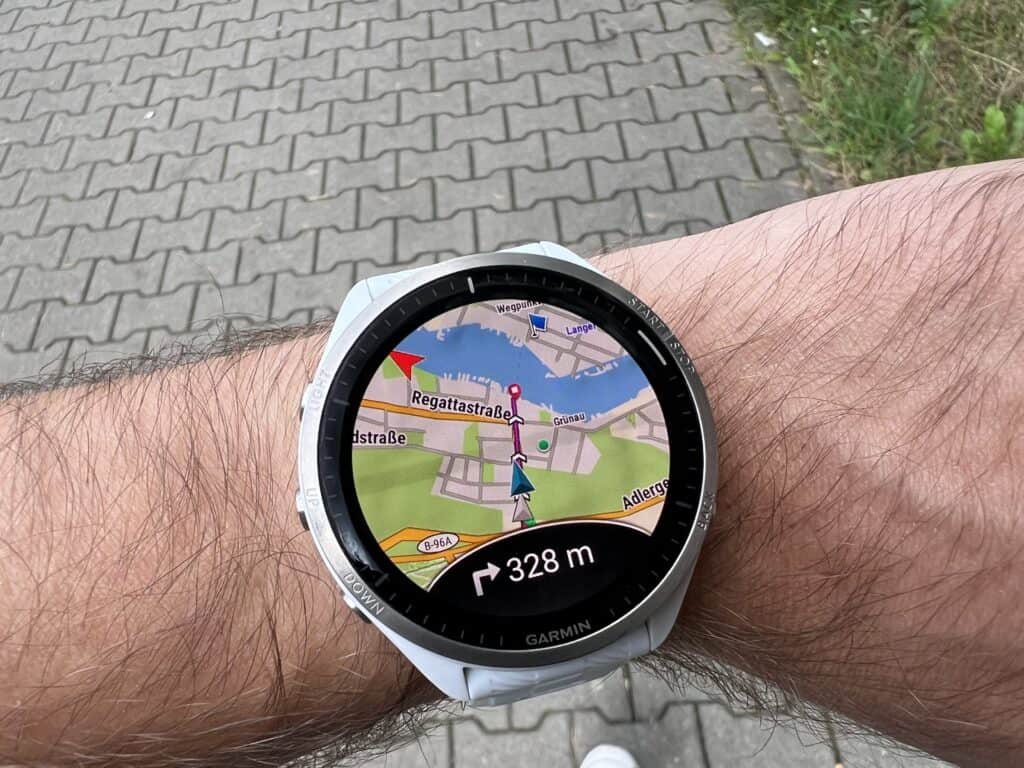
The watch’s functionality during exercise is also very well implemented. By default, the touchscreen is deactivated, and navigation is then only possible via the buttons. The heart rate zones look good, but I personally miss the single screen that Apple and Garmin offer with all the necessary data. Unfortunately, this watch doesn’t have that feature either.
However, I was surprised by the navigation guidance. I received no voice prompts. There’s an arrow on the first display and a label on the next, but when I look at the heart rate zones or the display showing duration, pace, or time, I receive no audio or vibration from the watch. So, I’m essentially running blind. In another test, when I used headphones, there was audio output, but only through the phone or the headphones. Perhaps it’s a 965 issue, but it was very strange.
Now, let’s get to the biggest drawback, which really bothers me. This issue is unfortunately quite old, and I’m afraid it won’t change anytime soon (at least according to old forum posts). Some important data is missing from Apple Health! Not all of it, of course—that would be a disaster. But some important data is missing:
- Blood oxygen/pulse oximeter
- Ground contact time (how many milliseconds your heart rate stays in contact with the ground while running)
- Cardio recovery/heart rate recovery (how quickly your heart rate returns to normal after exercise)
- Cardio fitness (VO2 max)
- HRV value
Garmin doesn’t seem to measure ground contact time, which, in my opinion, isn’t a big deal. However, all the other metrics are available on Garmin. They’re just not transferred to Apple Health. Some other iPhone apps do this, but Garmin doesn’t! And that’s really strange. Is it because Apple doesn’t want to allow its competitors to transfer all the data, or does Garmin prefer users to stick with its own app? Who knows. The fact is, the data is there, but it’s only available on Garmin Connect.
Since I’ve been using Apple Health for a long time and also check the trends, I simply don’t want to start from scratch and use two systems: Apple Health and Garmin Connect.
Garmin-Coach
On paper, Garmin’s training program seemed really clever. You don’t need an external app; everything is provided directly by Garmin. Unfortunately, in practice, it was a different story. I could choose between 5K, 10K, and a half marathon, and select one of three coaches. There was a photo and a short description of each “real” coach, but I couldn’t see any difference between them—except for the number of workouts: 3-4 sessions per week. After entering the available days, the “practice run” was already scheduled: about 1K, including warm-up and cool-down.
As a test, I chose a 5K run with a specific target time, as I’d like to improve my speed over that distance. Unfortunately, the subsequent workouts were more along the lines of “We’ll show you how to run 5K” rather than “How to run 5K in your target time.” And the whole thing was designed to last 12 weeks. So, for the next few weeks, I would have only been jogging 1-2K each time. A complete beginner’s course.
But the half marathon training was no different. I would have liked to see more variety here and for the apps to pay more attention to the individual users. Other apps do this much better.
Rowing / Peloton
I haven’t been able to pair my Garmin with Peloton to get live heart rate monitoring. So I’d have to start my ride on the Peloton and then on the Garmin, resulting in two separate readings. This worked instantly with my Apple Watch.
Interim conclusion of the Garmin
Yes, the advertised features are there, and some are very good. Others, however, are rather superficial, which, in my opinion, is exactly what they shouldn’t be. A watch designed for athletes should offer a better training plan than just a near-perfect copy of what Adidas Running does.
The Body Battery feature is great – it even shows the number of hours after a workout until I can perform at the same level again. This is already available in some iPhone apps, but it’s still nice to see it all in one overview.
The battery is fantastic, of course. I was far from the advertised 18 days, but I did get a week out of it, including exercise. While I found the charging process with that special adapter a bit odd, it usually only took 30-60 minutes, and then I could wear it for another week.
The open shop for watch designs is nice. Sure, there are some designs that are simply ugly. I don’t understand Apple for keeping it closed off. A bit more choice from Apple would be nice.
Speaking of the shop… Garmin’s app store is quite limited. Of course, we’re not talking about Apple or Android here; it’s just another app store – and apps have to be created from scratch for it. It’s similar to the old Windows Phone Store 😉 Nevertheless, you can find some larger apps like Komoot. But the selection is more like the range of apps you’d find at a gas station or a supermarket.
But what can the Apple Watch do better?
I’ve talked a lot about Garmin now. Sure, I come from the Apple Watch, but some of you might be wondering what Apple does better, or, to get to the point of this article: why, in my experience, the Garmin 965 isn’t superior to the Apple Watch Ultra 2?
It’s often said: The Apple Watch is a smartwatch – Garmin is a sports watch.
Yes, that’s not entirely wrong. However, there are aspects where Garmin isn’t ideal and Apple does them better.
- Apple Health
- Accident Detection
- Use in Water
- ECG
- Phone Calls
As mentioned above, it bothers me immensely that existing data isn’t transferred to Apple Health. Every small app can do this and prioritizes it there. But if the data isn’t provided, then it’s simply not there. It’s only available on Garmin Connect. And since I’ve been monitoring my data on Apple Health for a long time, I want to continue doing so there. The watch sends data to the iPhone.
Both watches have incident detection. I can add a contact to both watches to be notified. However, I haven’t been able to add my wife in three attempts. She received a notification, and I received a message that she was being notified. Despite this, she doesn’t appear anywhere, and I still get a message telling me to add her. With Apple, this was done with a single click. Furthermore, Apple suspends emergency calls using my GPS data. To my knowledge, Garmin doesn’t offer this feature.
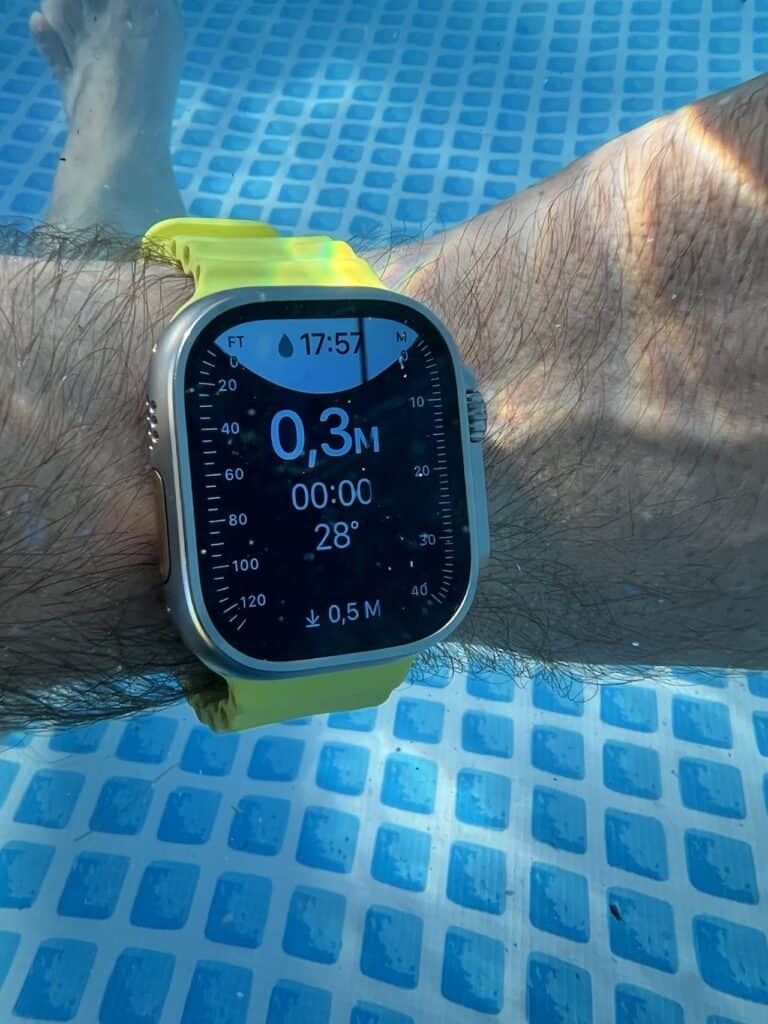
The Garmin 965 is conditionally designed for use in water. Showering and swimming are fine, but deeper water or even the sea is not possible. This is strange for a watch in this price range, especially for athletes. Apple does things differently. Whether in a lake or even saltwater like the sea, the Apple Watch Ultra handles it all with ease. It can even be used for diving up to 40 meters deep, and the display automatically adjusts to show the depth.
For several years now, the Apple Watch has also had an ECG function. A nice feature, even if it’s only really needed by a specific target group. Nevertheless, it allows you to see how your heart rate behaves under stress. This data can, of course, be saved to show your doctor if needed.
The Garmin 965 cannot be used for making phone calls. Other models can, but this one can’t. At this price point, that’s incomprehensible. Sure, it doesn’t have to be via eSIM, but pairing with the iPhone should be mandatory in my opinion. Sometimes you don’t have your phone handy, and then using the watch is simply much easier.
Conclusion: Which watch is better?er?
You’ve probably already gathered this. I already liked the Ultra 2 beforehand. The Garmin is supposed to be specifically for athletes. Or rather, many claim that athletes absolutely need a Garmin. I was very open to the test. But I have to say, that’s not the case. There are some great advantages. But also disadvantages that surprise me, especially considering how half-heartedly they’ve been implemented. It also seems like they’re not listening to users who have been requesting these features for years.
Here, I’d like to present my personal advantages of each watch:
| Apple Watch Ultra 2 | Garmin Forerunner 965 |
| All data in Apple Health | long battery |
| More options for use in water | Body Battery |
| large shop with many external apps | lighter weight on the arm |
In the end, I have to say that the Garmin Forerunner 965 is a great watch. It offers a lot for athletes and anyone who actively takes care of their body. Nevertheless, I’ll be sticking with the Apple Watch Ultra 2. There are numerous third-party providers that offer the desired data (HRV status and training readiness) and transfer it to Apple Health.
What are your thoughts? What do you use, in what combination, and for what purpose? Let me know in the comments below.